Is logging quick enough?
You'll do it several times a day. If a spend takes more than a few taps, or the keypad gets in your way, we want to know.
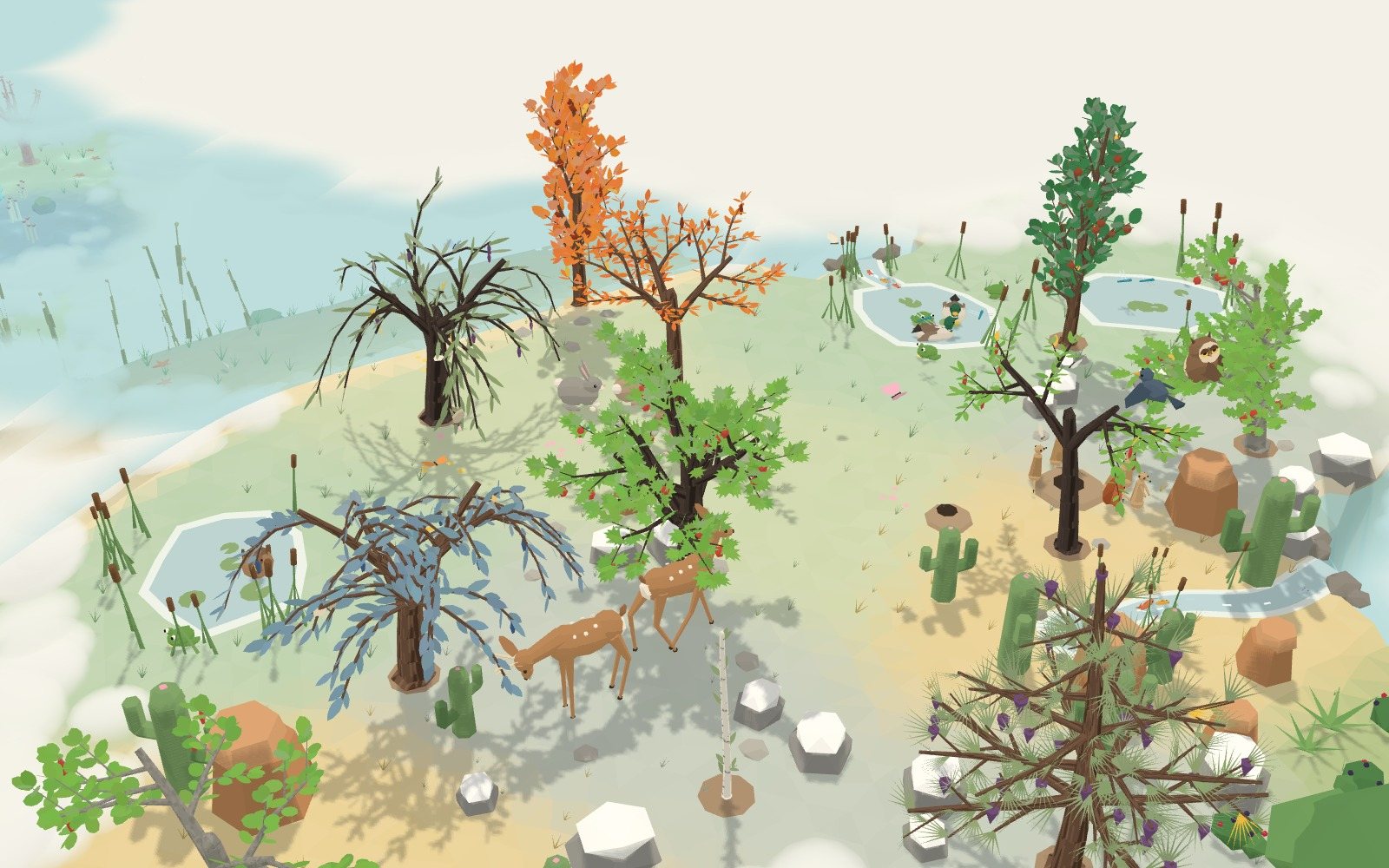
Try Greenling on your iPhone before it reaches the App Store, and help shape it.
Join the betaGreenling is nearly ready. Use it for a few days before everyone else, and tell us what's slow, odd or broken.
Open this on your iPhone. It takes you to TestFlight, where you accept and install Greenling.
Open in TestFlighthttps://testflight.apple.com/join/h7rSzM6nA month of Greenling Plus is yours. We'll email your code when Greenling reaches the App Store.
On a computer? Copy the link and send it to your phone, or open this page there. Then follow the steps below.
Six steps, from the invite to your first feedback.
TestFlight is Apple's own free app for trying apps before they're released. Install it from the App Store on your iPhone.
Sign up above, then open the invite link on your iPhone. TestFlight opens: tap Accept, then Install. Greenling lands on your Home Screen with a small orange dot by its name.
No code to type: the link is the invite.
Open Greenling, say what you're happy to spend on a normal day, and plant your seed. There's no account to make.
It takes about a minute.
Log what you spend as you go, and close the day each evening. A day on budget grows your tree; a day over lets it rest.
Try the receipt scan, the Home Screen widget and the evening reminder too.
Take a screenshot in Greenling, tap its preview, then Share Beta Feedback and write a line. Or open TestFlight, choose Greenling, then Send Beta Feedback.
Or just email contact@greenling.app.
New builds arrive through TestFlight. Leave automatic updates on there and you'll always have the newest one.
A test build runs for 90 days; a fresh one replaces it before then.
You don't need to test everything. These four tell us the most.
You'll do it several times a day. If a spend takes more than a few taps, or the keypad gets in your way, we want to know.
Anything you had to read twice, any button you couldn't find, any moment you weren't sure what to do next.
After three or four days: do you want to close the day? If you stopped opening it, tell us when, and why.
A crash, a wrong number, a screen that looks off, a receipt it misread. A screenshot and one line is plenty.
A free month of Greenling Plus, as a thank-you. When Greenling reaches the App Store we email a code to the address you signed up with; redeem it in the App Store and your month starts then. Plus is also included, at no charge, for as long as you test.
No. TestFlight and the beta are free. Greenling Plus is included while you test: if you start it in the beta, Apple doesn't charge you.
So we know who's testing, can write to you about the beta, and can send your free month of Plus at launch, at the address your iPhone already uses. Your name is optional. We don't add you to a newsletter.
Your spending stays on your phone, in the beta as in the finished app. Feedback you choose to send through TestFlight reaches us through Apple, with your iPhone model and iOS version, so we can find the problem.
Yes. Installing the released app over the beta keeps your garden and everything you've logged.
Delete Greenling, or open TestFlight, choose Greenling and tap Stop Testing. To have your email removed from our list, write to contact@greenling.app.