1
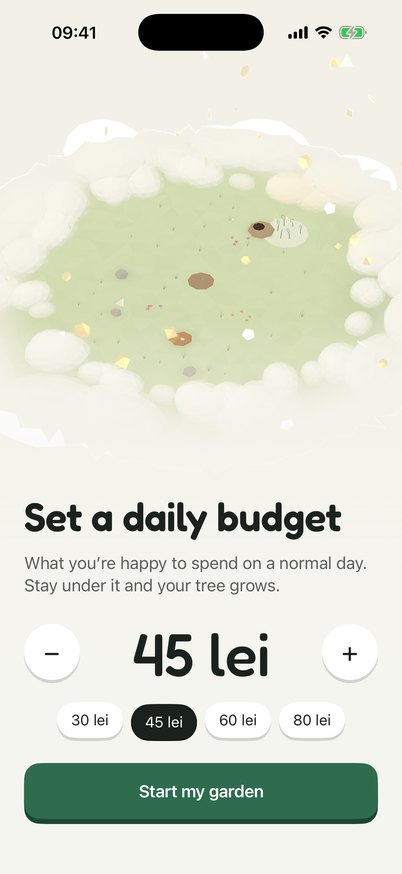
Set a budget
One question to start: what you're happy to spend on a normal day.
- One number for a normal day
- Change it any time
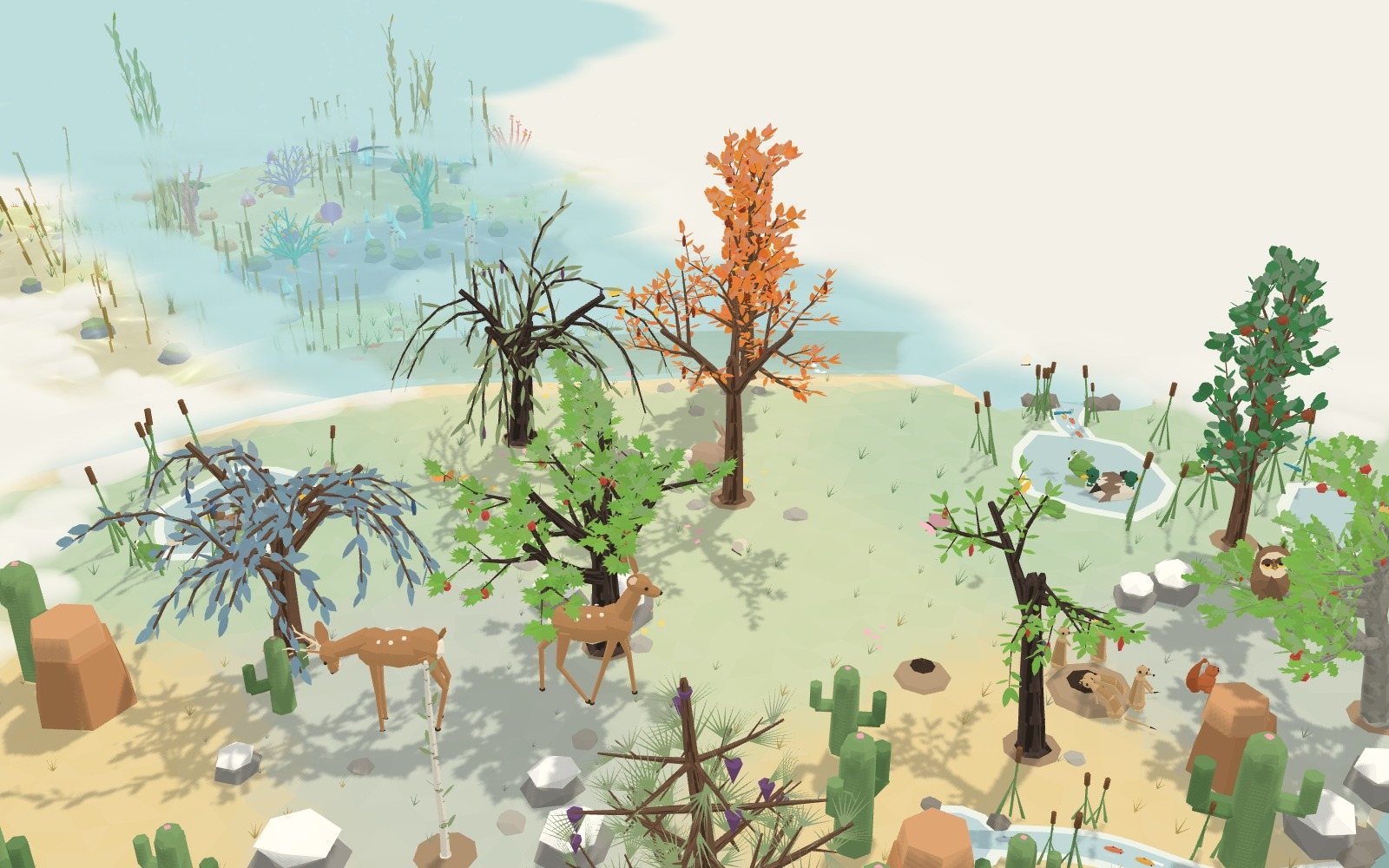
Four steps, then it's a loop: one tree every month.
One question to start: what you're happy to spend on a normal day.

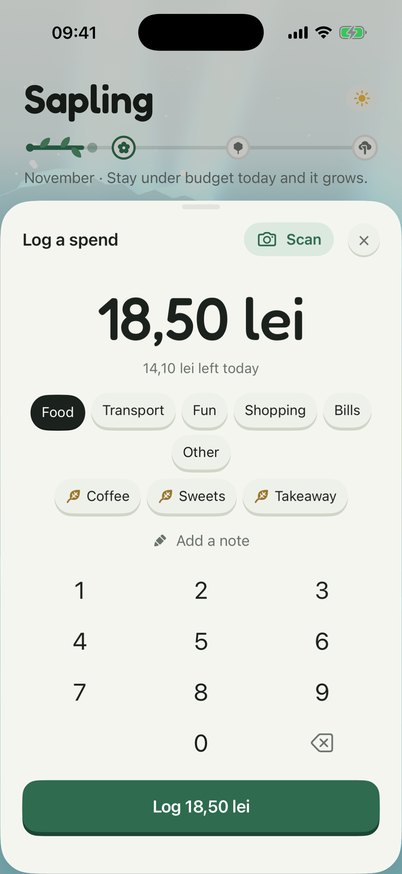
Bought lunch? Log it in a few taps, in its category, and see what's left for today.
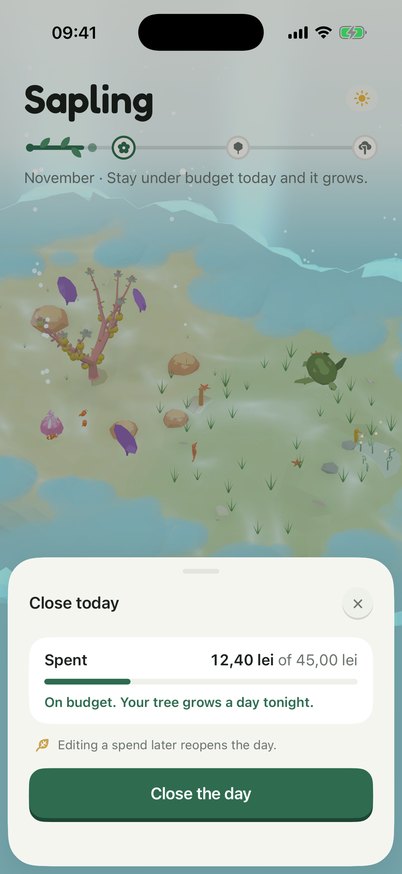
Each evening, tell Greenling that's everything.

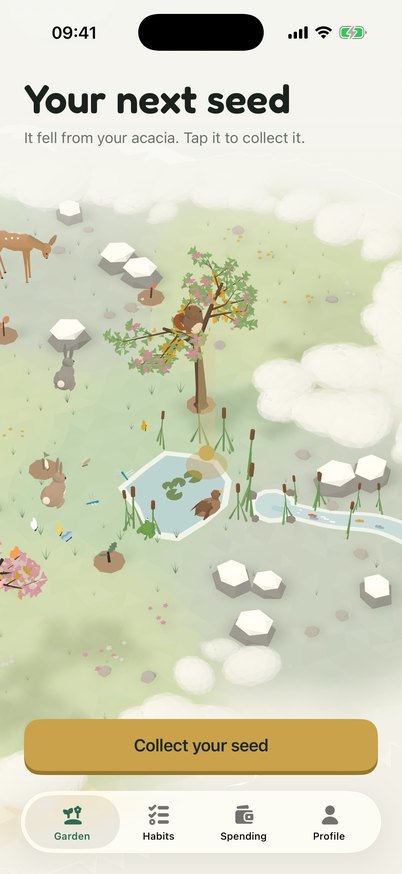
A full tree is every day of the month within budget.
Two ways to log a spend without the keypad, and a nudge to close the day.
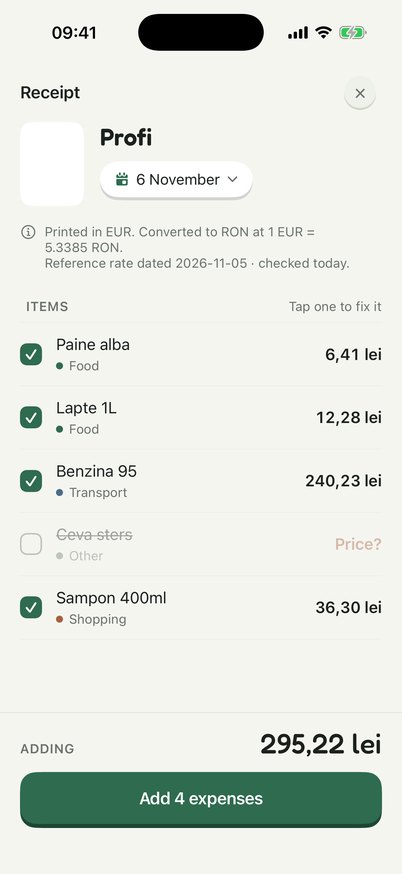
Take a photo of a receipt and it becomes a list of spends, each in its category. Look it over, fix anything, then log it.
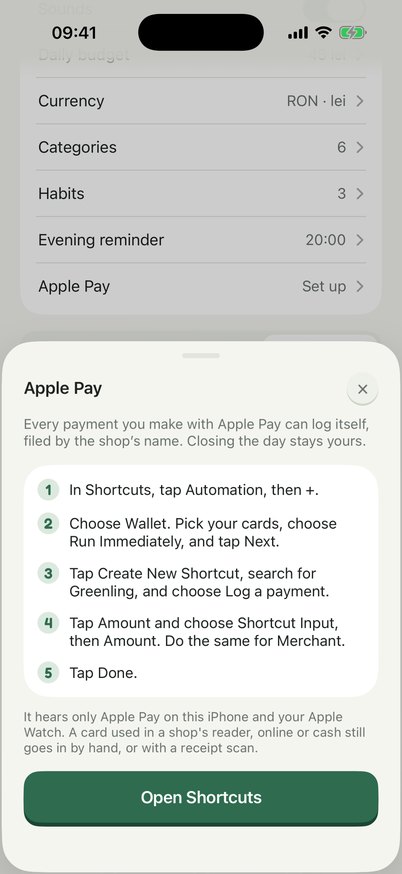
Set up one Shortcuts automation and every Apple Pay payment on your iPhone or Apple Watch logs itself, filed by the shop's name.
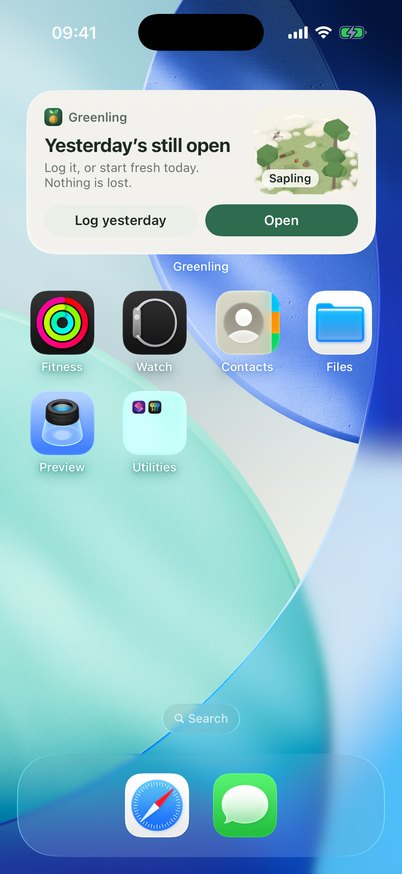
An evening reminder asks how today went. The Home Screen widget shows your garden and where your day stands, with a button for what's next: log a spend, close today, or yesterday if it's still open.
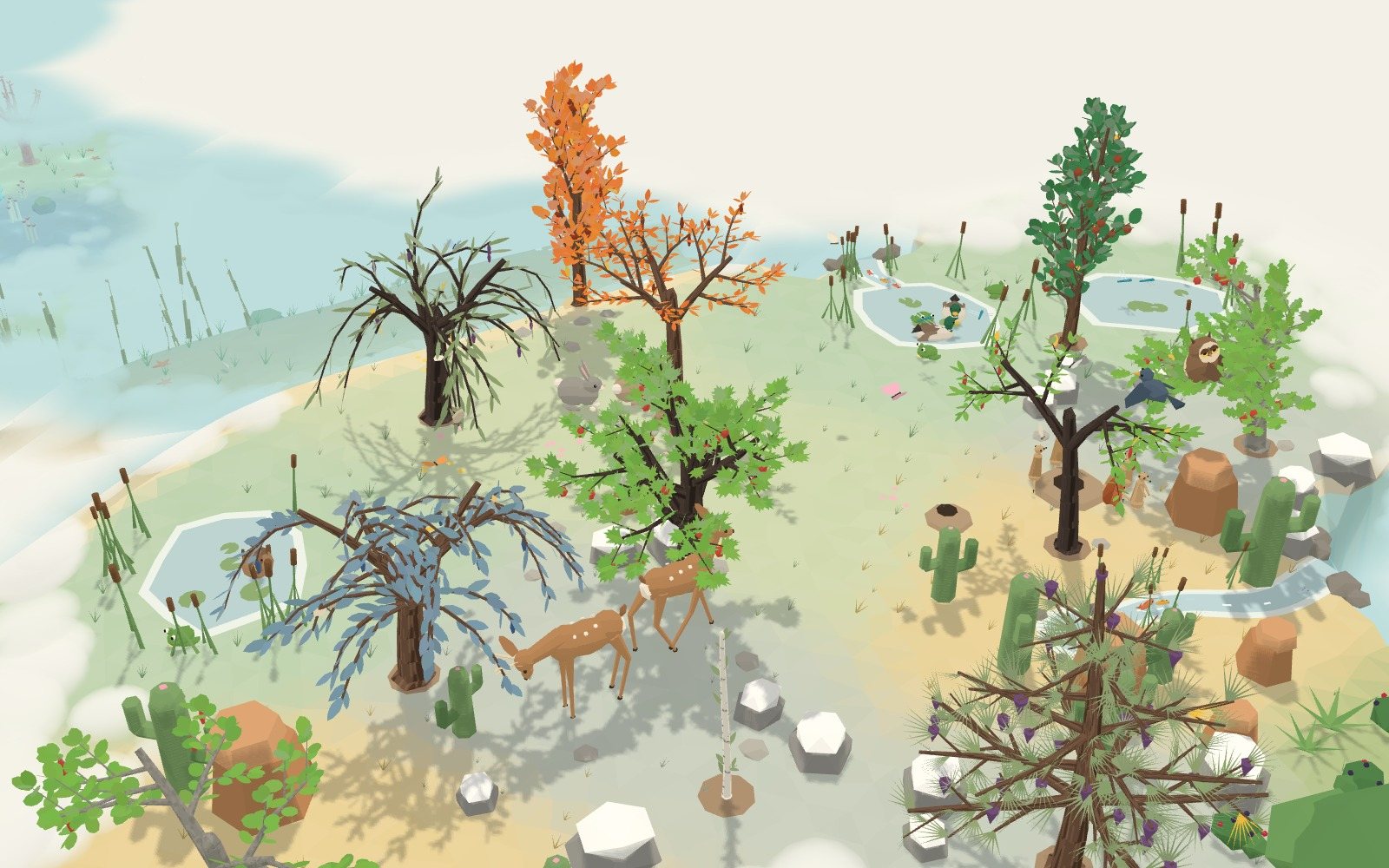
Every closed day adds to this month's tree. Every month adds a tree to your world.
Pick up to three things you'd like to cut down on, like coffee out, sweets or takeaways, and tag those spends. For its first seven closed days Greenling just watches, to learn your usual. After that, every day you spend less than your usual puts that habit's reward on your tree. A day over your usual costs nothing.
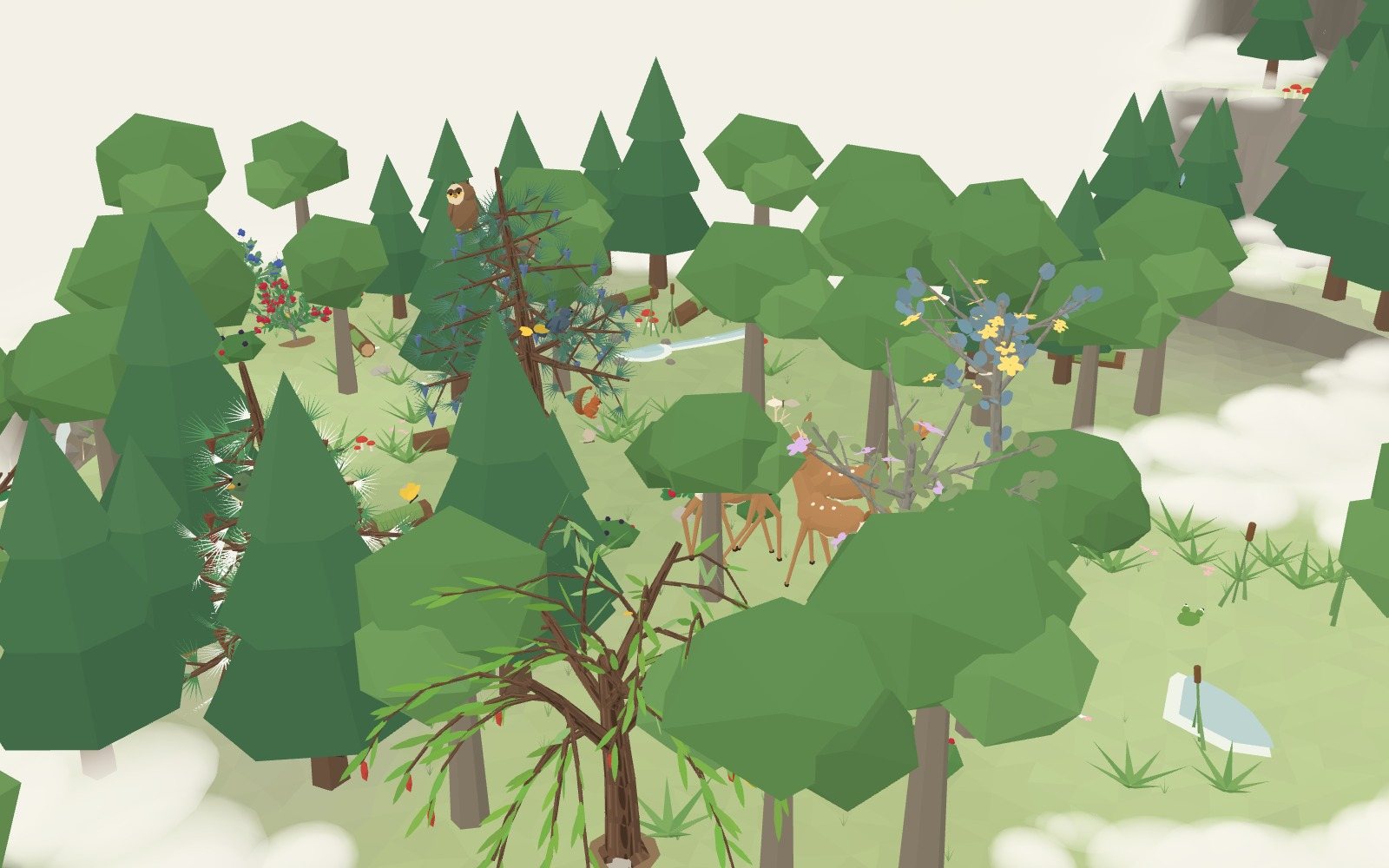
Each month grows its own tree, and on the 1st it stays where it grew. The next month's tree goes in at the edge of the mist, and the mist rolls back from new land.



You start in the Grasslands; on the 1st of each month the next world opens: the Reef, then the Forest, then the Peaks. A bird's path can get you there sooner. You choose which open world this month's tree grows in.
Spending exactly your budget counts as on budget. Forgot to close a day? Next time you open Greenling it asks about yesterday: say that's everything, or add what you missed.
Editing a spend later reopens that day; close it again when you're done. Your tree keeps what it already grew.
The Spending tab shows each day, month and year by category. Greenling works in lei, euros, dollars and pounds; switching converts your budget and everything you've logged at today's rate.
You log what you spend yourself, by hand, by receipt or through Apple Pay: no bank linking and no account to make. Receipts are read on your phone, and your spending stays there.
The tree, the daily loop, habits, every world, Apple Pay logging and your reports are free, with two receipt scans to try. Greenling Plus, monthly through the App Store, makes scans unlimited and opens every past month in full.
The Grasslands, the Reef, the Forest and the Peaks.
See the worldsQuestions? Support has the answers.